Think outside of the (in)box
One of the easiest and best ways to gain inspiration for your design is to see how other successful companies design their emails. A great resource for email design inspiration is Really Good Emails, a database of emails from various companies. But instead of (just) searching for terms like "Christmas," "Holiday," or "Black Friday" for email examples, try brainstorming some unique keywords that make you think of the holiday season. For example, you could try one of the following search terms:- winter
- gift wrap
- greenery
- hot chocolate
- cookies
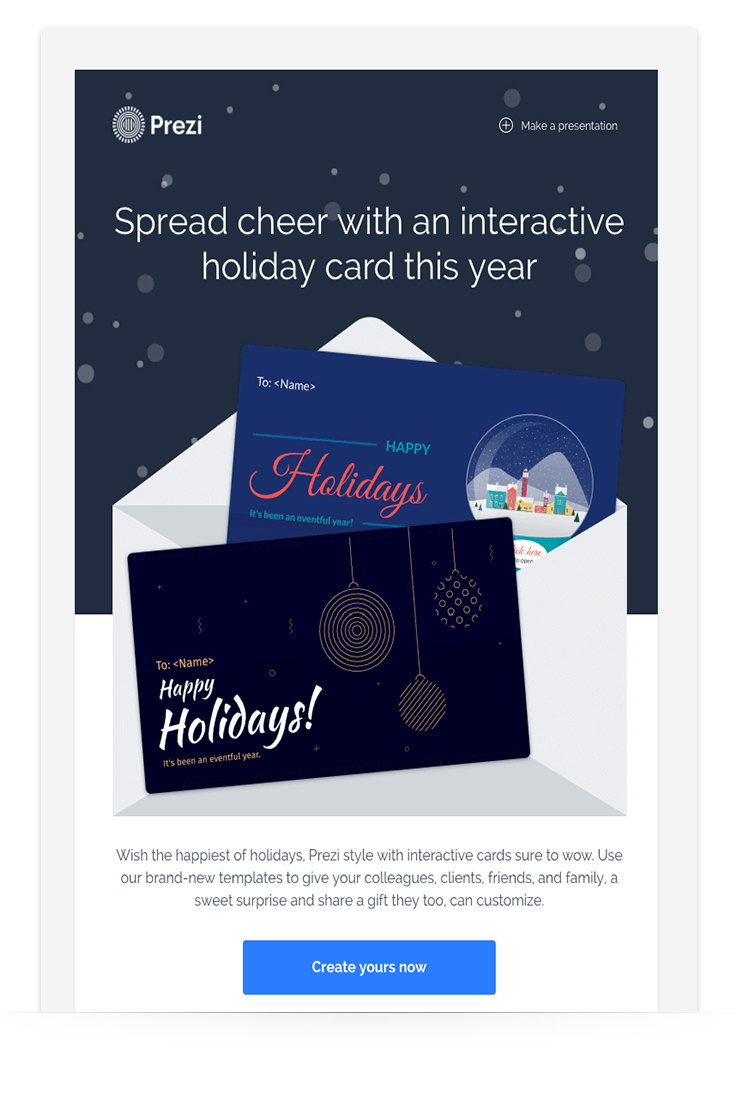 Prezi combines their brand palette of blues and white with a splash of red and gold, to add some holiday cheer. By doing so, The email still feels “on brand” and recognizable to their customers. They also use snowflakes in their header image to add to the festive feel. If you're not a designer, you can easily create a festive email by using one of AWeber's holiday email templates. Just add your brand logo and colors to customize it to your company! (Use one of these festive templates today with a 30-day free trial of AWeber.) Related: The Top Email Design Trends You Must Know
Be true to your brand
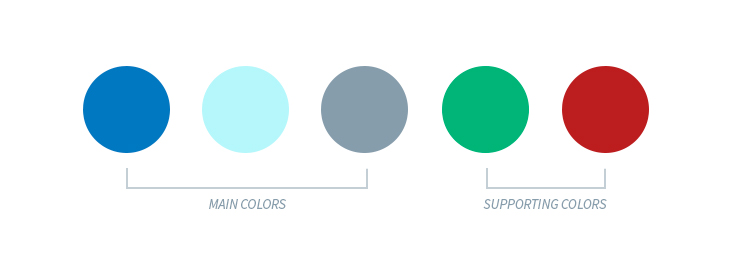
What colors represent your brand? If you’re not sure, take a look at your logo, website, previous emails, or social media images. What colors are most prominent? For example, AWeber’s logo uses a royal blue and light gray. Our website features a larger palette of green, light blue, and white.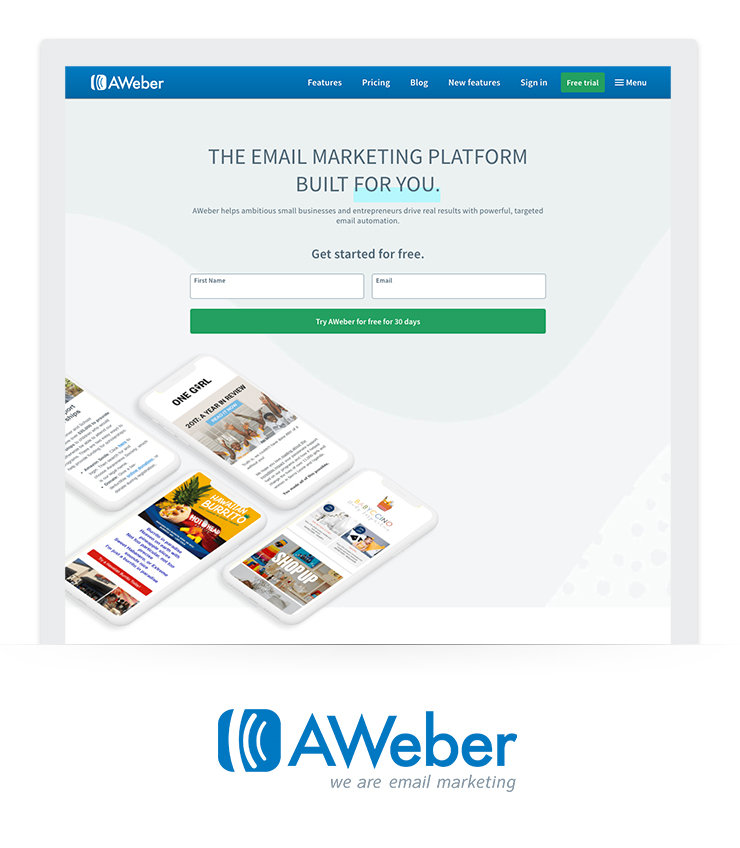 Instead of just using red and green as our main colors for a holiday email, I would first pull from the selection on our homepage and use supporting images to give it some holiday sparkle. If your branding colors don’t remotely remind you of the holidays, still use 2 to 3 of your most prominent colors. Then, add pops of gold, red, green, or silver in very small amounts. Because AWeber’s colors have a winter feel with blues and grays, I'll play up that feeling with snowy graphics. I still want to add an additional pop of holiday red and brand green that will support my identified color palette.
  Related: The Checklist Every Email Marketer Needs This Holiday Season
Use unique and eye-catching imagery
One of the best ways to spice up your holiday emails is with themed images. And you don’t need a graphic designer or a custom photo budget to do so. There are many free resources you can take advantage of, like stock photos. Stock photos are images that anyone can use creatively. They’re often a quick, professional, and inexpensive (or even free!) option. For free stock photos, search unsplash.com and pexels.com. Use the list of unique holiday words you brainstormed or a different word that aligns with your theme as keywords in your photo search. Once you find the perfect image, think about ways you can customize it to match your brand. If you need some tips, this post has easy ways to brand your images for free. Another fun and attention-grabbing option is to use animated GIFs within your email. If you have no idea how to make a GIF, we did the work for you! Our 2018 Holiday GIF package has the latest and greatest seasonal GIFs. Simply download one of our free GIFs and upload it to your next holiday email. Here's an email I designed that's simple but still has a recognizable holiday twist. I used AWeber’s Notification template and easily added one of our holiday GIFs with AWeber’s Drag-And-Drop Editor. (See how easy it is to create an email just like this using AWeber's Drag-and-Drop editor and the Notification template. Create your free trial account now.)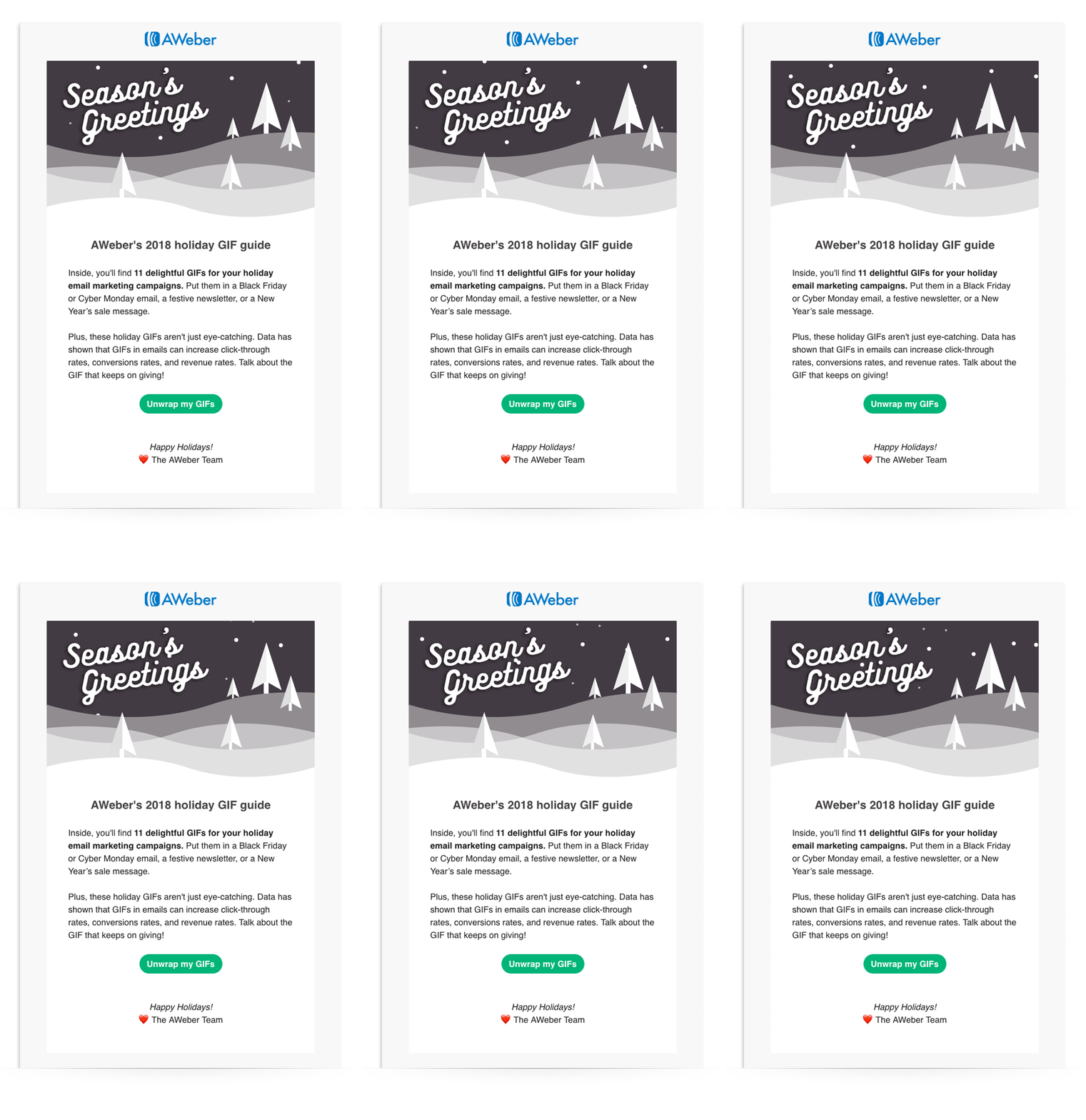 Related: Everything You Need to Know about Using GIFs in Email
Spruce up your own emails.
Remember, the best designed emails are simple and easy to read. The less color the better when it comes to your email. Limit your colors to 3 to 5 choices, and only 1 (maybe 2) images. Try out one of AWeber’s holiday email templates today for free. You can start your 30-day free trial here.The post Transform Your Emails from “Meh” to Merry with These Holiday Design Tips appeared first on Email Marketing Tips.
from Email Marketing Tips https://ift.tt/2EcAh3X
via IFTTT